
We’ve rebuilt developers.onelogin.com on a new platform and shipped five new API endpoints alongside it. Here’s what changed, why, and what’s new for you as a developer.
Documentation Coverage and Consistency
While we were migrating the platform, we also went back through a large chunk of our API reference to clean it up — normalizing parameter tables, request/response examples, and terminology across sections that had drifted apart over the years. We used AI tooling as one of several tools during this process, mainly to help convert legacy content into the new format, but every page was still reviewed and tested by hand before it went out. You should notice the docs are more consistent and complete than before, not just a new coat of paint.
A Static Architecture
The old site ran on Statamic, a PHP content management system with an application server handling every request. It now runs on Zola, a static site generator: pages are pre-built as plain HTML and served directly by nginx. There’s no application server or database evaluating each request, which shrinks the attack surface of the site itself quite a bit.
That shift also opened the door to a couple of features that are simpler to build, and easier to trust, without a server in the middle:
- Personalized API examples. Every API reference page now has a “Try it with your credentials” widget. Enter your subdomain and access token once, and every code sample on the page updates to show your real values instead of placeholders. It’s entirely client-side — your subdomain is stored in the browser, your access token only for the current session, and neither ever reaches our servers. If you want to see exactly how that works (or you’re just not sure you trust a “type your token here” box), we put together a dedicated Are My API Credentials Safe? page that walks through it field by field, including how to confirm it yourself in your browser’s dev tools.
- A client-side SAML toolkit. The SAML online tools — encode/decode, certificate fingerprinting, XML signing and encryption, certificate generation — now run entirely in the browser using the Web Crypto API and WebAssembly. Private keys, certificates, and SAML assertions never leave your machine.
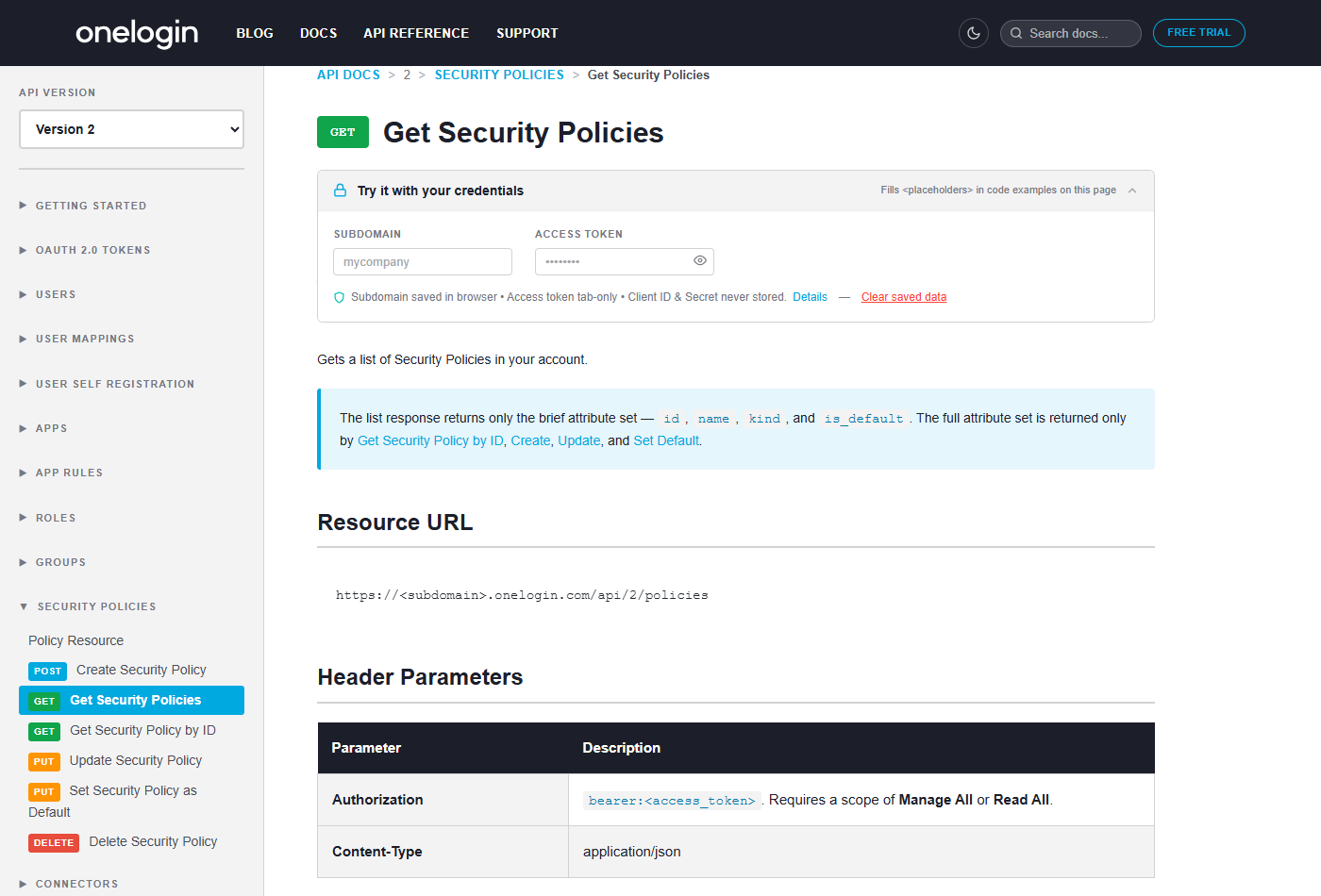
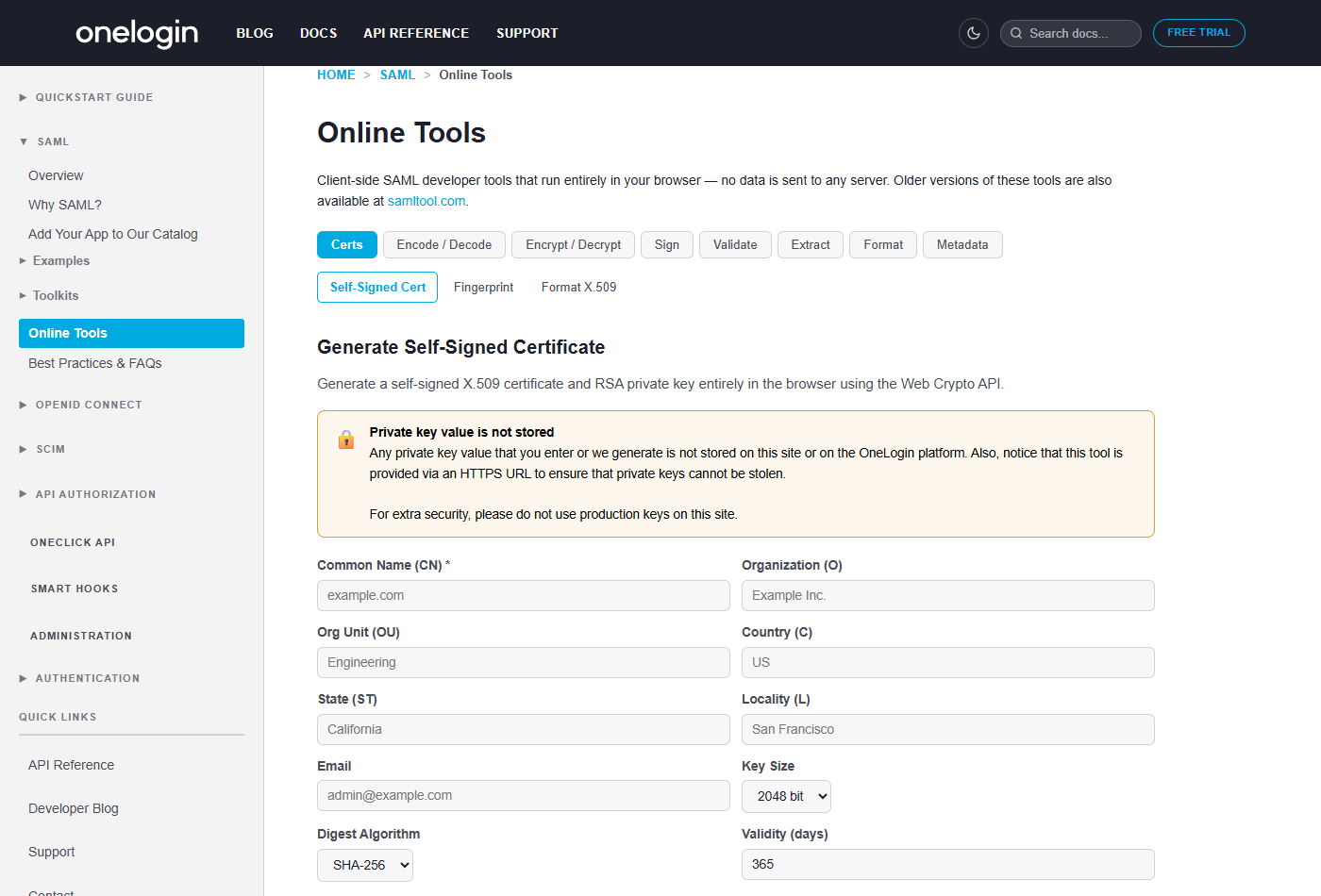
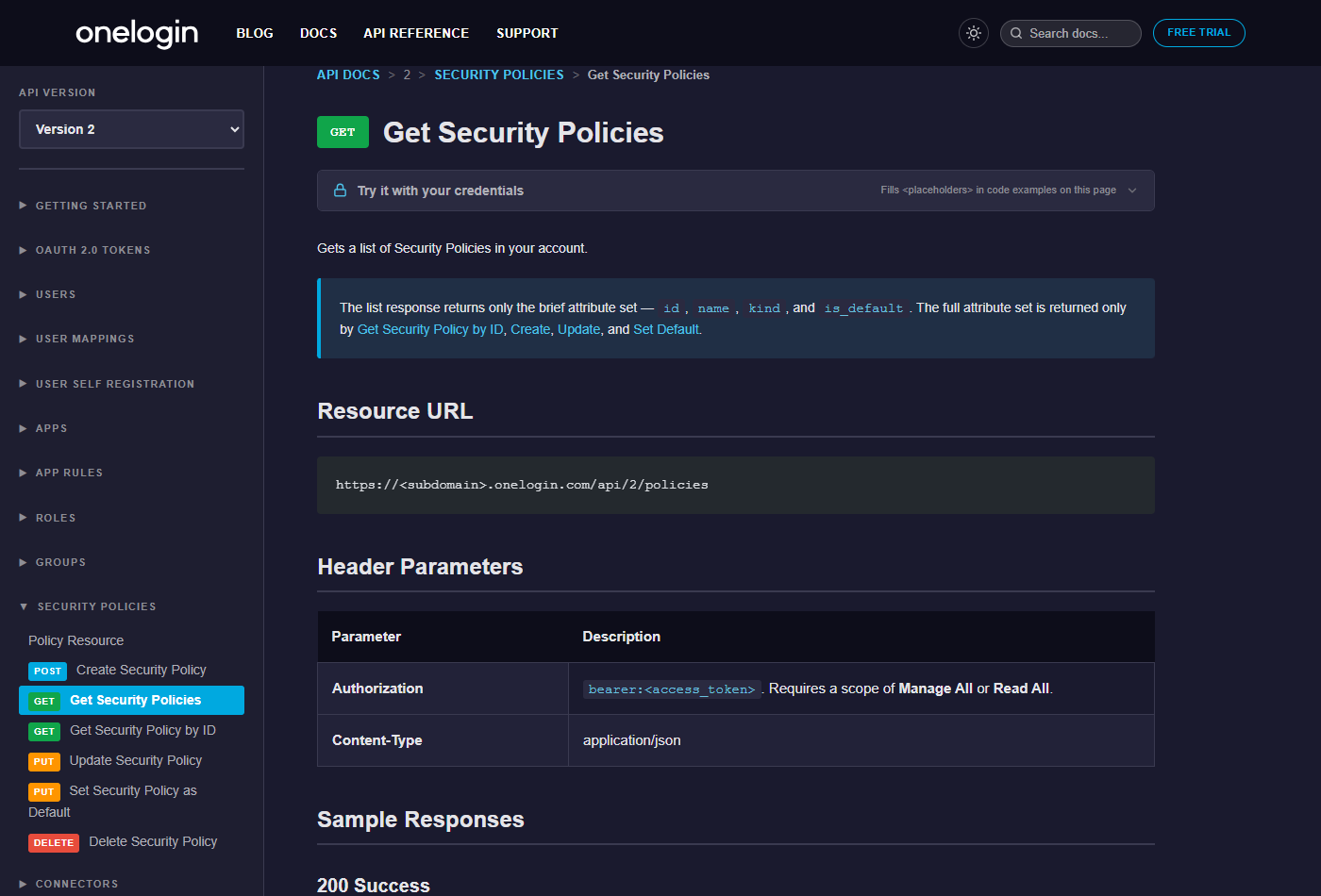
We also added dark mode (follows your system’s prefers-color-scheme on first load, or toggle it manually from the header) and site-wide search, so you can actually find things without knowing the exact page title in advance.
Five New API Endpoints
We also shipped five new API endpoints, each documented and wired into the credentials widget above so you can test requests against your own account right from the docs:
- Authentication Factors — list, enroll, and manage a user’s MFA factors
- Bulk Logout Users — force logout across multiple users in one call
- Groups v2 — create, update, and manage groups on the current API version
- OATH Tokens — provision and manage OATH tokens for hardware/software MFA
- Security Policies — create, update, and assign account security policies programmatically
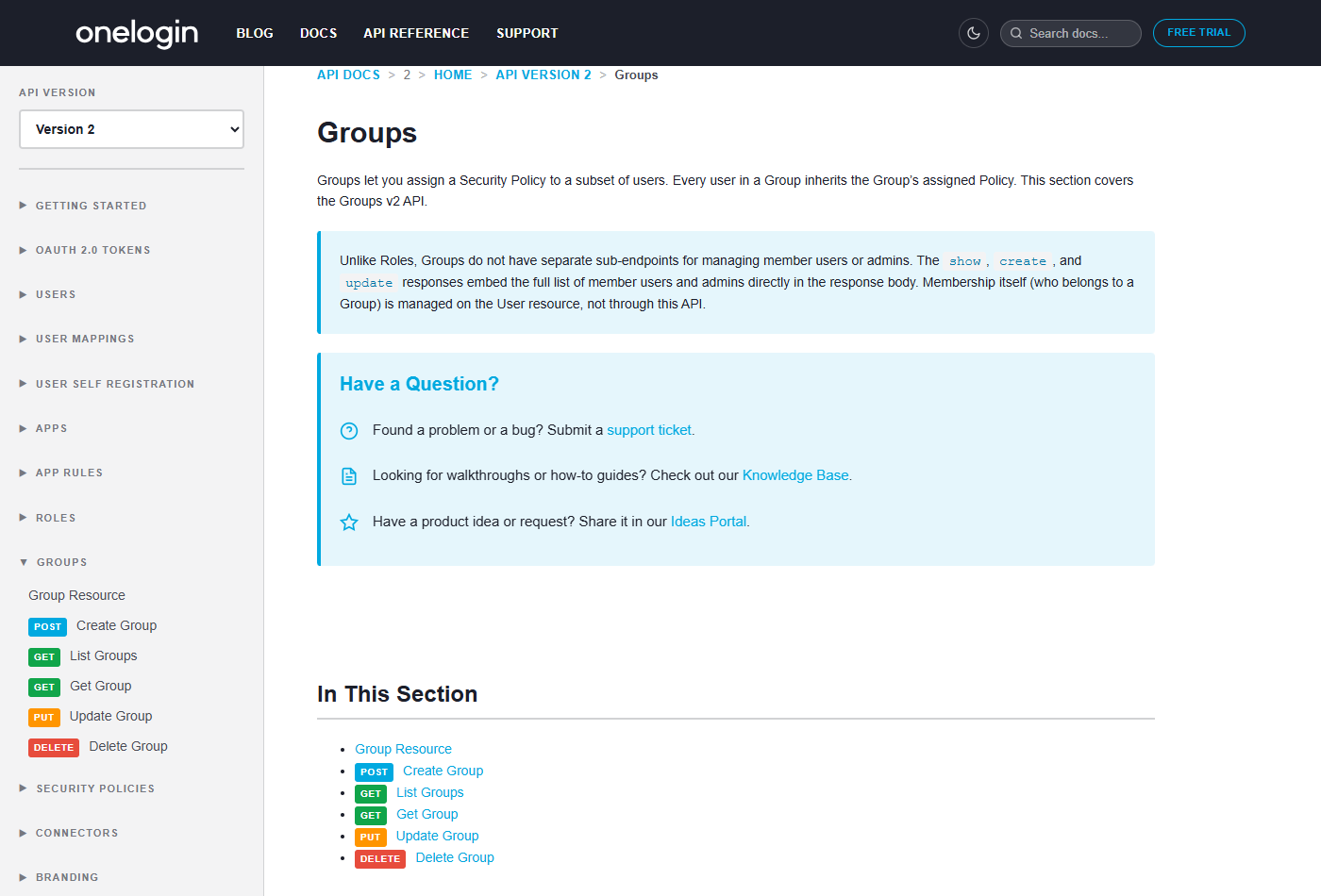
Event Type Lookup
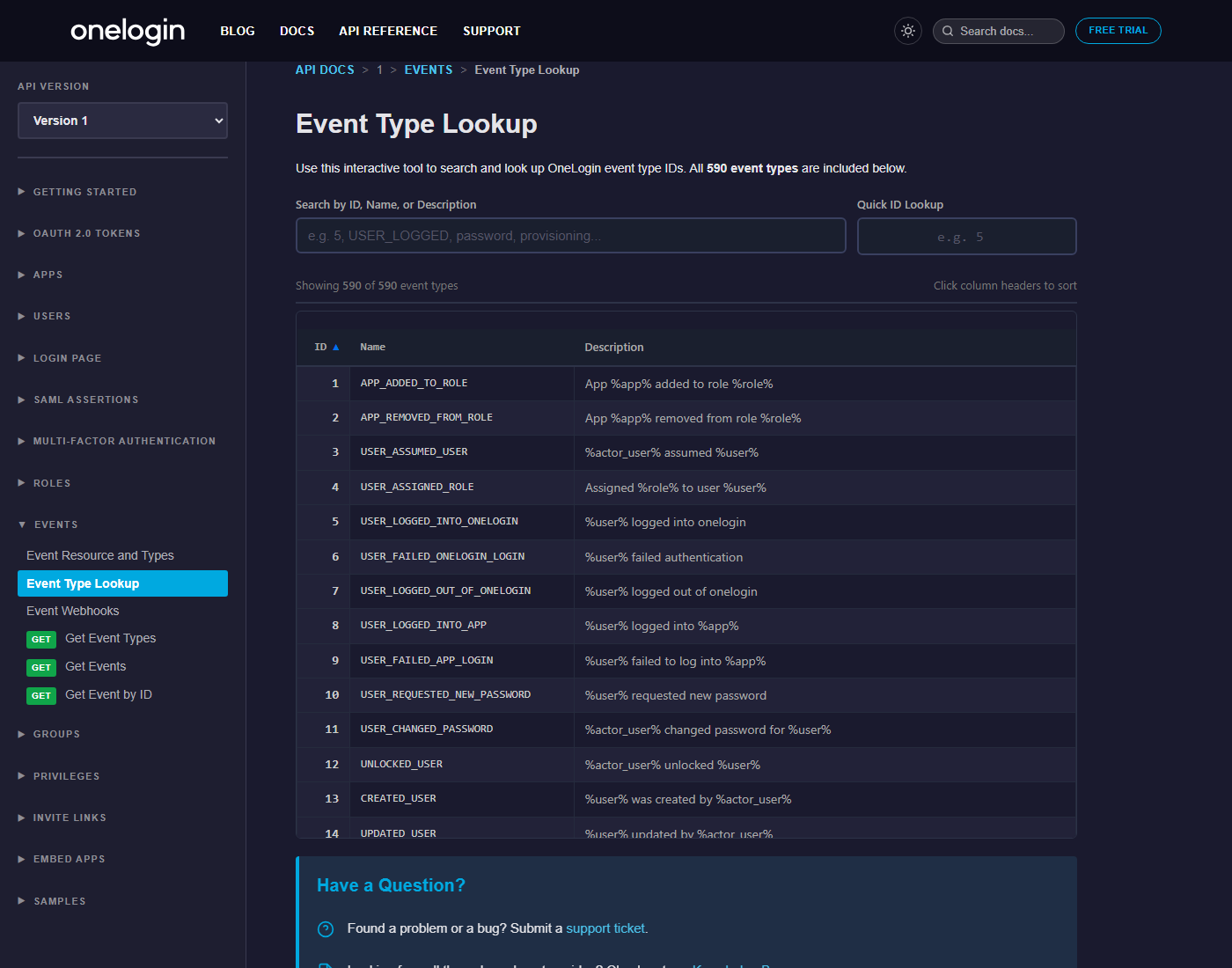
One more I’m personally happy with: an interactive Event Type Lookup tool for the Events API. It replaces what used to be a static, hard-to-search reference table with a searchable, sortable list covering all 590 event types — search by ID, name, or description, or jump straight to an event type by ID.
Updated Terraform Provider
The OneLogin Terraform provider got an update too, including a onelogin_policies resource that lines up with the new Security Policies API above. If you manage your OneLogin configuration as infrastructure-as-code, it’s worth pulling the latest version.
What Stayed the Same
If you’ve got existing bookmarks or links into our docs, don’t worry — legacy URLs redirect to their new locations, and every guide and API reference page that was there before is still there.
What’s Next
More API documentation is on the way. If you find something missing, unclear, or broken, let us know through our support channels.